
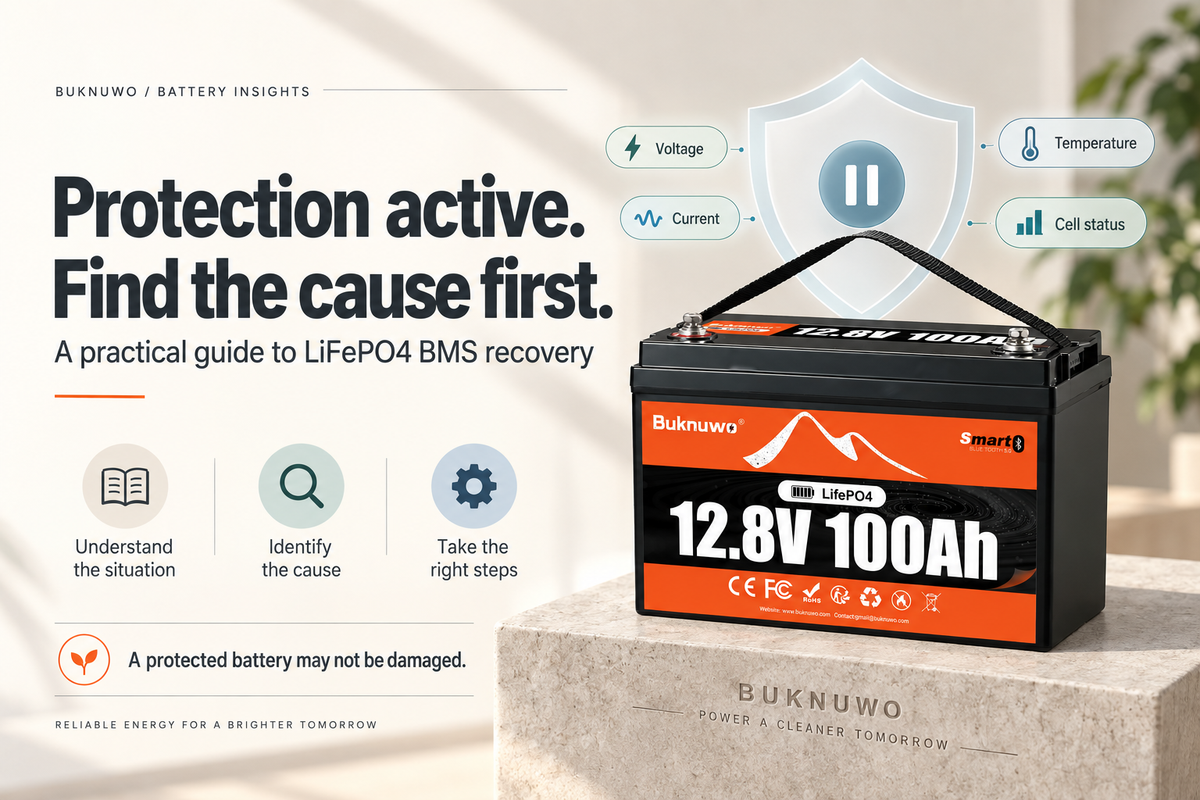
LiFePO4 troubleshooting guide
Diagnose the protection event before attempting recovery
A LiFePO4 battery can stop charging or discharging, show very low terminal voltage, or appear inactive when its battery management system (BMS) enters protection. The battery may not be damaged. The BMS may have disconnected the terminals because voltage, current, temperature, or a cell reading moved outside its permitted range.
Find and remove the cause before trying to wake or reset the battery. Reconnecting equipment without fixing the fault can trigger protection again and may hide a wiring or load problem.

Start with the protection record
If the battery supports Bluetooth monitoring, open the app before disconnecting everything. Note the protection or fault message, then review the highest and lowest cell voltages, cell voltage difference, pack voltage, current, cell temperature, MOSFET temperature, and the charge and discharge MOS status.
A normal-looking state of charge (SOC) does not rule out a protection event. One cell can reach a limit before the complete pack appears empty or full.
The message and readings should point you toward one of the checks below.
When the battery has been discharged too deeply
Low-voltage protection may follow a deeply discharged battery, loads left connected for too long, inverter standby consumption, long-term storage, parasitic loads, or one cell reaching its low-voltage limit first.
Turn off and disconnect all loads. Check for equipment that continues drawing power in standby, then use a charger that matches the battery voltage and LiFePO4 charging requirements.
A battery in deep BMS sleep may need a manufacturer-approved wake-up or activation procedure. A normal charger does not necessarily support 0V activation and may require a minimum battery voltage before it starts. If the charger does not recognize the battery, use only the recovery method approved for the exact model.
A 0V terminal reading can result from the BMS disconnecting the external terminals, but it can also indicate a serious fault. Do not assume every 0V reading is normal BMS sleep.

Low-voltage recovery path: isolate, diagnose, charge correctly and verify BMS status.
Match the response to the protection
When a large load triggers overcurrent protection
Inverters, motors, refrigerators, pumps, and air conditioners can draw high startup current. If the demand exceeds the BMS limit, the battery may stop discharging.
Disconnect the load and compare its continuous and startup demand with the battery's current ratings. Inspect cable size and terminal connections, allow the battery to recover, and restart with a smaller known-good load.
Repeated overcurrent protection usually points to the system load or inverter sizing. Resetting the battery without changing that condition will not solve the cause.
When the battery shuts down as soon as equipment is connected
Treat an immediate shutdown as a possible short circuit or wiring fault. Check polarity, damaged insulation, loose wire strands, busbar wiring, inverter input terminals, and the connected equipment.
Do not repeatedly reconnect a suspected short circuit. Correct the fault before attempting to restore normal operation.
When temperature protection is active
Low temperature: Low-temperature charging protection prevents charging outside the battery's permitted temperature range. Stop charging, move the battery into a suitable environment, and give the internal cells time to warm. Resume charging only after the BMS reaches its recovery condition. Do not bypass the BMS to charge cold cells.
High temperature: High current, poor ventilation, a hot environment, or heating at a connection can trigger cell or MOSFET temperature protection. Turn off the load or charger, move the battery away from heat, improve ventilation, and inspect the cables and terminals for heating. Let the battery cool before restarting it.

Use the BMS message and system readings to match the response to the actual trigger.
When charging voltage or cell imbalance causes protection
High-voltage protection can occur when charger voltage is too high, MPPT settings are incorrect, or one cell reaches the upper limit before the others.
Disconnect the charger and check its voltage and MPPT settings. Compare the highest cell voltage with the other cells and review the cell voltage difference. If the same cell repeatedly reaches the limit first, follow the manufacturer's procedure for investigating cell imbalance.
A battery can show a normal total voltage while one cell has already reached a high- or low-voltage limit.
Use the correct LiFePO4 charger and give the BMS time to balance under its normal balancing conditions. Do not raise the BMS protection thresholds to force charging to continue.
A practical recovery sequence
Use this order when troubleshooting a BUKNUWO Bluetooth LiFePO4 battery:
- Record the Bluetooth or BMS protection message and the relevant readings.
- Disconnect loads and charging equipment.
- Inspect the wiring, terminals, cables, and connected equipment.
- Identify whether voltage, current, temperature, a short circuit, or cell imbalance triggered protection.
- Correct the condition that caused the event.
- Allow current or temperature protection to recover when applicable.
- Recharge with equipment approved for the battery and the required recovery method.
- Recheck the BMS status before reconnecting the system.

Record, isolate, inspect, identify, correct, recover, recharge and verify.
There is no universal BMS reset method. Some protections recover automatically after the condition returns to normal. Deep low-voltage sleep may require approved charging or activation, and recovery behavior varies by BMS model.
Never bypass the BMS or force-charge the battery with an uncontrolled power source. If the battery remains at very low or zero terminal voltage after the approved recovery procedure, stop troubleshooting and contact BUKNUWO support.